Learning Hub
On-demand professional learning that fits your schedule. Over 1000 microcourses included with your CALIE membership.

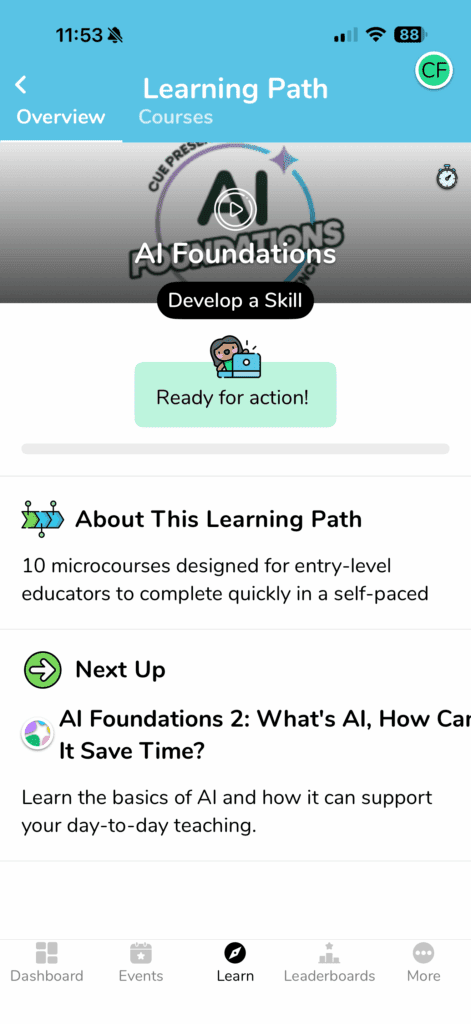
AI Foundations: Saving Time and Reducing Workload
Ten focused microcourses that help you use AI tools confidently and ethically. Learn how to streamline lesson planning, generate rubrics, provide faster feedback, and create emergency sub plans without the overwhelm. Built specifically for K-12 educators who want practical applications, not theory.
Explore how to better support learners with:
- Streamline lesson planning using AI assistance
- Generate differentiated materials for diverse learners
- Create assessment rubrics that align with standards
- Develop quality sub plans efficiently
- Write meaningful student feedback faster
The Learning Hub is hosted on our platform partner MobileMind. When you click the button below, you’ll be directed to learn.mobilemind.io, where you can log in with your CALIE membership credentials.
Accessibility Powerhouse
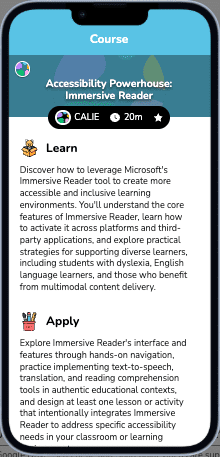
New microcourses launching now to help you support all learners. Start with Immersive Reader and discover how to create more inclusive learning environments for students with dyslexia, English learners, and anyone who benefits from multimodal content. Learn to activate accessibility features across platforms and integrate them into daily instruction.
What you’ll be able to do:
- Activate Immersive Reader across platforms to support students with dyslexia and English learners
- Design accessible Google Slides that leverage captioning, Q&A, and annotations.
- Use the Read and Write extension to provide text-to-speech, word prediction, and translation tools
- Leverage NotebookLM to create study guides and audio overviews that support diverse learning needs
- Implement accessibility features that work across your existing tech stack
The Learning Hub is hosted on our platform partner MobileMind. When you click the button below, you’ll be directed to learn.mobilemind.io, where you can log in with your CALIE membership credentials.
Learning Hub Exclusives
1000+ More Microcourses When You’re Ready
The hub includes on-demand professional learning from Google, Microsoft, Canva, ClassDojo, Kami, Brisk, and dozens of other EdTech companies. All organized by tool, topic, and role so you can find what you need fast.
For classroom teachers:
Master the tools you’re already using. Google Workspace fundamentals, Canva for Education, ClassDojo community building, and Kami for collaboration. Most courses take under an hour.
For instructional coaches and TOSAs:
Level up your facilitation skills. Advanced Google tools for productivity, special education technology strategies, and virtual and hybrid learning design.
For school and district leaders:
Lead with technology effectively. Google for Leaders, data tools for decision making, and technology integration planning.
For specialists and support staff:
Find resources built for your role. Special education accessibility tools, counselor and library specialist pathways, and training for non-classroom-certified staff.
How it Works
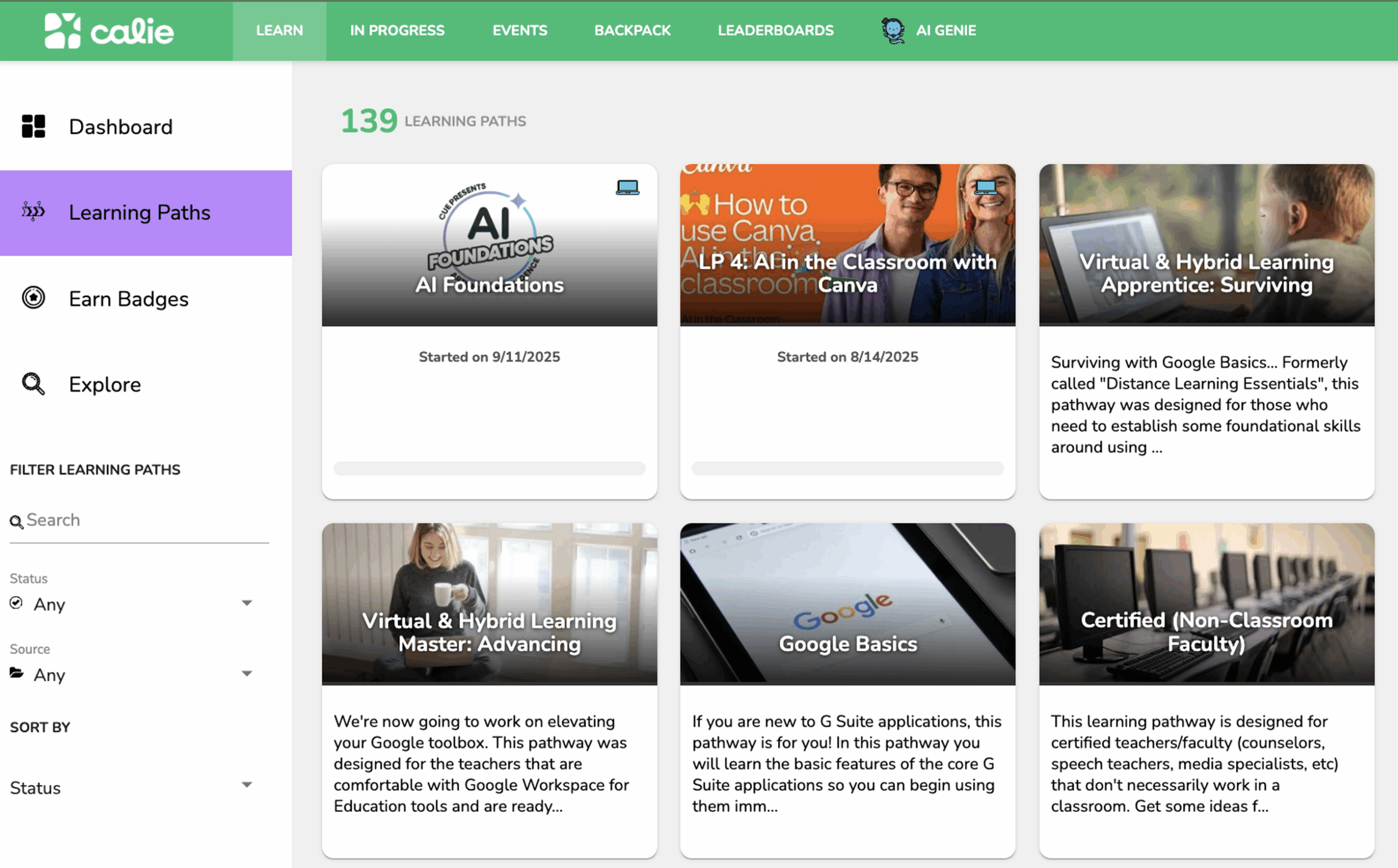
Log in to the hub and explore 139 learning paths organized by topic and tool. Start a microcourse, pause when you need to, and pick up where you left off. Earn badges as you complete pathways. Learn on your phone during lunch or on your laptop after school.